
Tutor.com Hub Center
How To Access Tutor.com
Step One
01.
24/7 Virtual Tutoring On Your Time.
- Find a comfortable, quiet place with internet access and your computer, so you can focus without distractions.
- Get personalized support for homework, projects, test prep, and even career skills — all included in your GHC student resources at no cost to you.

02.
Log in to Your Class in D2L
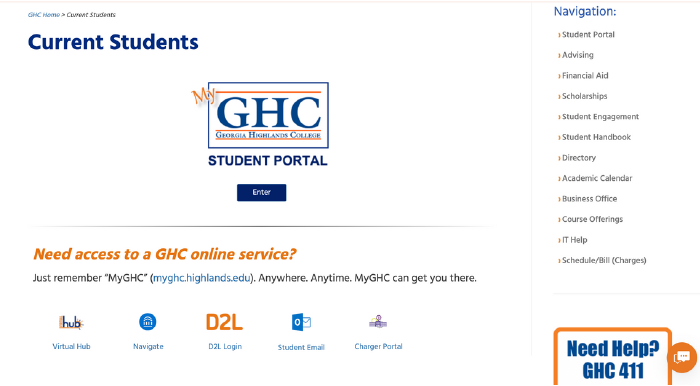
- Go to the D2L platform through your GHC student portal.
- Find and open the class you need help with.
- Your Tutor.com access is linked directly to each course — no separate login needed.
03.

Click Tutor.com at the Top of the Page:
Look for the Tutor.com link in the top right or left navigation of your D2L course page.
04.
Choose Your Subject & Connect
- Drop-In Tutoring for instant help
- Schedule a Session for later
- Submit a Paper or Math Problem for written feedback